Simple at the gate.
Powerful behind it.
A visitor sees a QR plate and a call button. You get scheduling, passes, private numbers, audit trails and full control from your phone.
At the gate
- Visitors call from their own phone. They scan the plate, see the names you list, and tap call. Nothing to install.
- Open the gate from the app. A controller wires into the motor you already have. Slide to open from anywhere.
- One plate per unit, gate or building. Visitors pick who they're calling without seeing the whole directory.
- Guard station. Verifies passes and PINs, sees who's expected, admits and logs. The guard house runs off one screen.
For residents
- Your number stays private. Calls and messages route through the app. Visitors see a display name, never a number.
- Scheduled visitor passes. Valid between a start and end time, per gate, with optional use limits. A guest for the evening, a plumber for the morning.
- Time-gated staff access. Domestic staff, gardeners and contractors get set days and hours. Outside them, it simply doesn't work.
- Instant notifications. Know the moment a visitor arrives, on your phone, your watch or your desktop.
For the people who run it
- Self-managed. Residents and trustees add, remove and update access from the app. No tickets, no vendor visits.
- Policy-driven onboarding. Invite residents. Your policy decides what they submit and whether admissions need review.
- Everything on the record. Every admission, pass and gate action lands in the access log.
- Portfolio portal. Managing agents run many sites from one login, each with its own units, gates and rules.
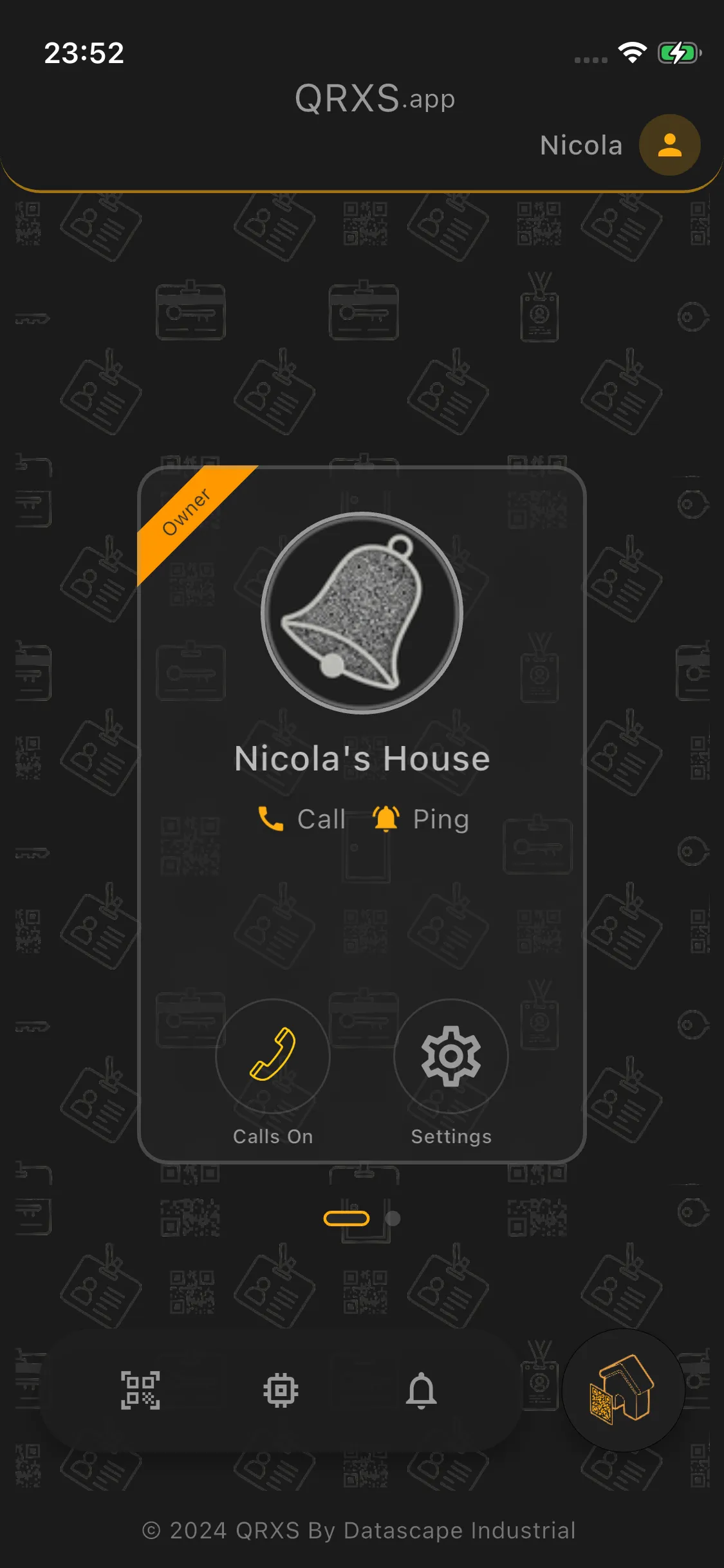
The fastest way to understand QRXS is to hold it
Download the app and set up a unit in minutes. Or book a demo and we'll walk your whole site through it.